Link with King Business Software
Written By Tess Hoogeboom
Last updated 27 days ago
In TriFact365 go to Settings (Cogwheel) at the top right and click on Links and then click New.
Select King Business Software as the bookkeeping software you want to connect to.
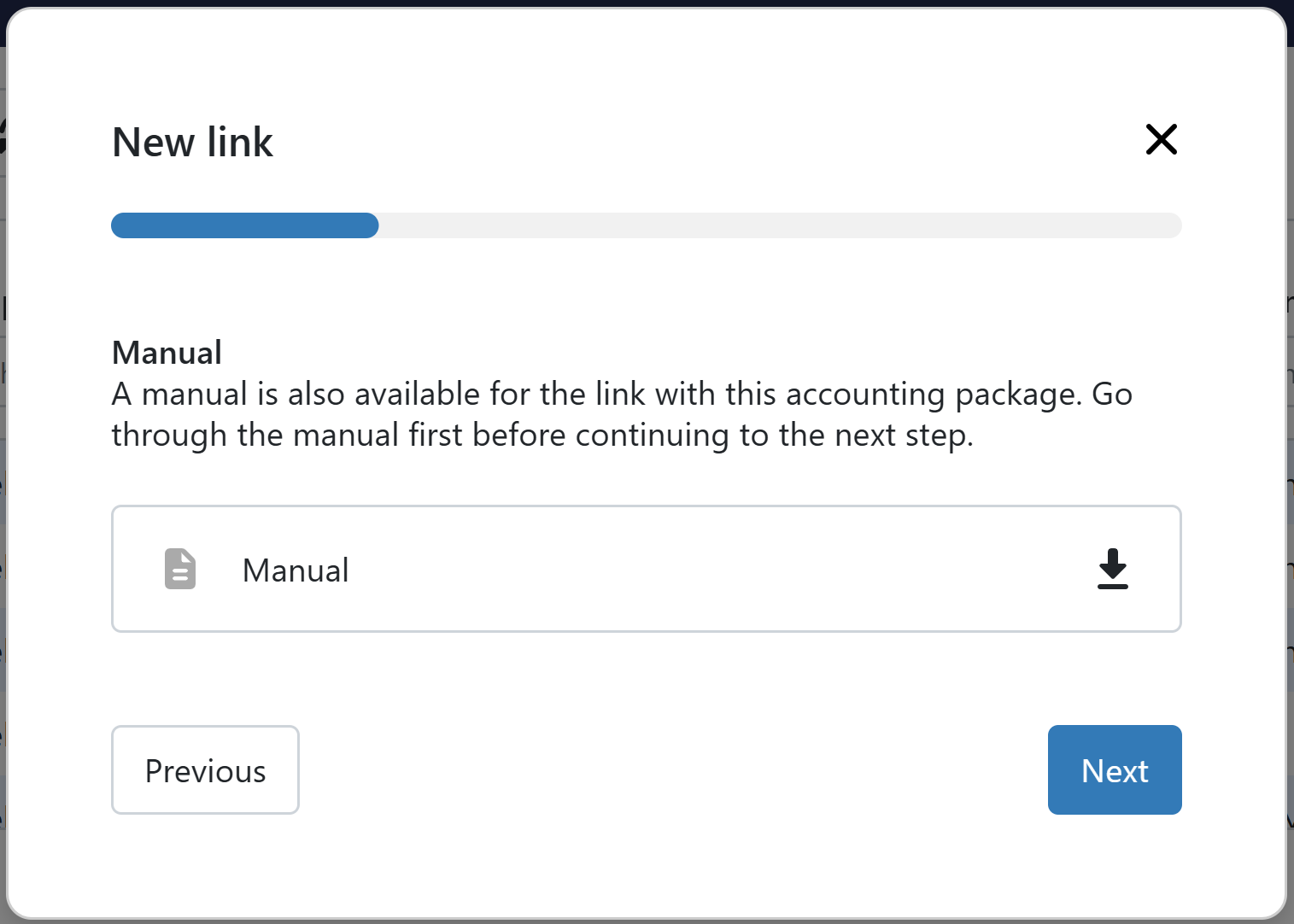
Download the installation manual and follow the instructions. After getting all settings correct click Next in TriFact365.
Give a recognisable description to the link with King and click on Next.
Click Finish. You will be directed to the webpage of King. Log on to this page, the link will be finalised, and you will be redirected to TriFact365.
The link has now been set up. You will be redirected back to TriFact365, where you can immediately add one or more administrations from the link.
Frequently Asked Questions
Does TriFact365 also link with King ERP?
Does TriFact365 also link with King ERP?
Yes, TriFact365 also links to King ERP. This link is set up through the same link used for King Business Software.
Was this helpful?
Still need help? Ask the team