Unblock/Block for Payment (Twinfield)
Written By Tess Hoogeboom
Last updated 4 months ago
When you use the Entry before Confirmation feature in TriFact365, the entries will be posted as drafts in Twinfield. These entries are finalised after confirmation. Read below to learn exactly how this works.
Make sure there are no invoices with the Confirmation status. If there are and you enable Entry before Confirmation, these invoices will NOT be posted to the accounting software.
Go to Settings (cogwheel) → Administration, check the Entry before Confirmation box next to the relevant administration, and click Save.
The entry appears as draft in Twinfield (and is effectively blocked for payment). As soon as the confirmation workflow in TriFact365 is completed, the entry in Twinfield is automatically marked as final. This allows it to be included in the payment batch in Twinfield.
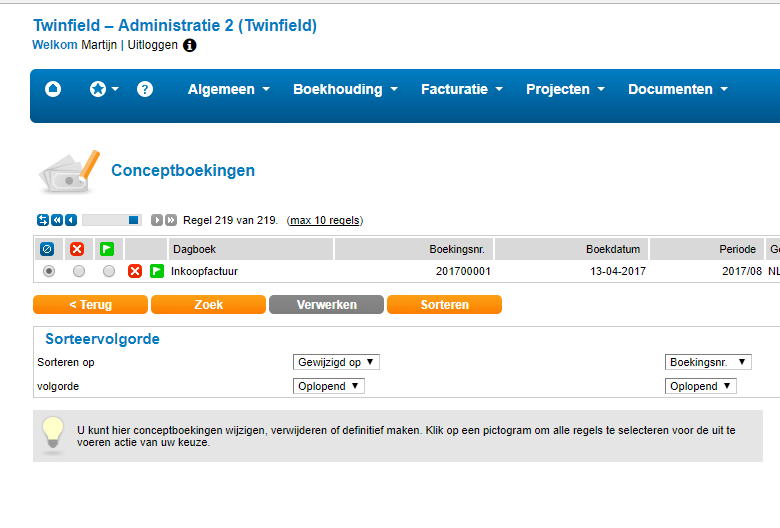
Go to Boekhouding → Boekhouden → Conceptboekingen to view the draft entries in Twinfield.
Was this helpful?
Still need help? Ask the team