Entry before confirmation
Written By Tess Hoogeboom
Last updated 4 months ago
Important!
Make sure there are NO invoices with the status Confirmation before you enable this feature!
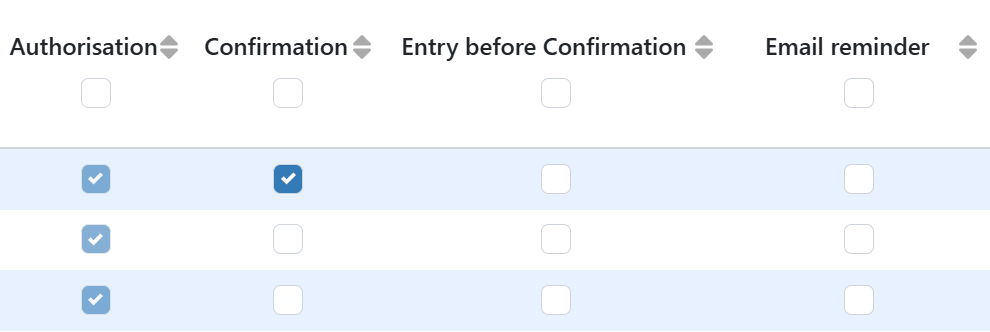
If you have set up confirmation workflows, you can also choose to pre-book invoices befor confirmation. To do this, go to Settings (Cogwheel) → Administrations, check the Entry before Confirmation box for the relevant administration, and click Save. Read below to see how this works for the different accounting software packages.
(Un)blocking invoices for payment (iMUIS Online / King Finance)
(Un)blocking invoices for payment (Multivers / Boekhoud Gemak)
King Business Software, SnelStart, Visma eAccounting
When you enable Entry before Confirmation the entries are pre-booked before Confirmation. The payments are NOT blocked.
Was this helpful?
Still need help? Ask the team