VAT exempt
Written By Tess Hoogeboom
Last updated 2 months ago
In TriFact365 it is possible to work with VAT exemption. Additional settings are required.
In TriFact365, go to Settings (gear icon) → Administrations, right-click the administration, and select Edit.
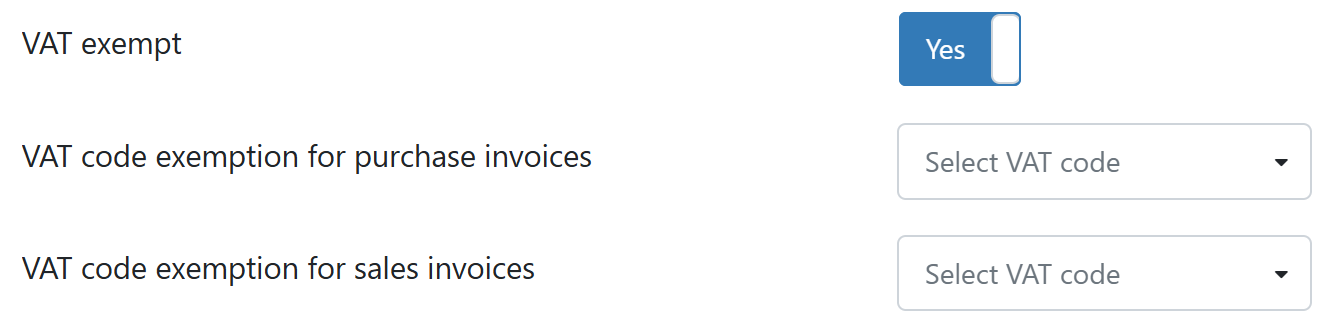
Go to the Entry settings, set VAT exempt to Yes and click Save.

All journal entry proposals will then be presented with an amount including VAT. In addition, the VAT code No VAT or None will be selected by default.

SnelStart
In SnelStart, the ledger functions of the ledger accounts must support No VAT. Otherwise, the journal entry may still be posted in SnelStart with VAT.
iMUIS Online / King Finance, King Business software and Visma eAccounting
For these packages, you must select a VAT code for purchase and sales invoices. This code will then be selected by default in the journal entry proposal.
Was this helpful?
Still need help? Ask the team