Add an administration
Written By Tess Hoogeboom
Last updated 4 months ago
You can add an administration after successfully linking with your accounting software.
Go to Settings (Cogwheel) at the top right and click on Administrations.
Click on New.
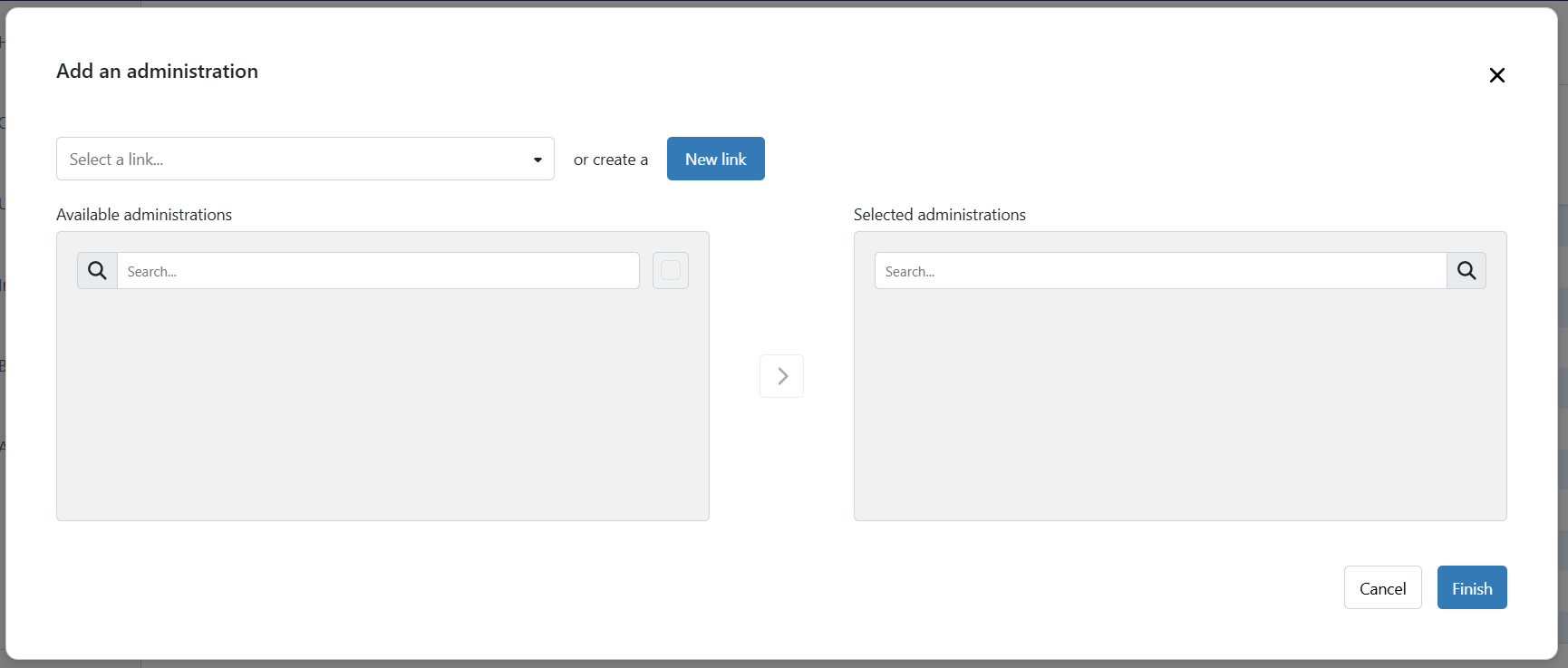
First select the link. Once selected, the available administrations will show up.
Select the administration(s) you want to add to TriFact365.
Click
>to add the selected administrations to TriFact365.Click Finish when you are done adding administrations.
When you return to Administrations you can find the added administration including its own unique e-mail address.

Link with AFAS
Do you want to add administrations from separate environments (companies) from AFAS? A new link must then be made for each environment since the GetConnectors are set up at company level.
Link with SnelStart
Do you want to add multiple administrations from SnelStart? A new link must then be made for each administration. Make sure you generate a link key for the correct administration.
Link with Visma eAccounting
Do you want to add multiple administrations from Visma eAccounting? A new link must be made for each administration.
Link with iMuis Online / King Finance
Do you want to add multiple administrations from iMuis Online / King Finance? A new link must be made for each administration.
Was this helpful?
Still need help? Ask the team