Uploading via online (cloud) storage
How to upload documents from OneDrive, Google Drive, Dropbox or iCloud to TriFact365.
Written By Tess Hoogeboom
Last updated 10 days ago
Are your documents in OneDrive, Google Drive, Dropbox or iCloud? Then upload them directly from that online storage to TriFact365. You need the desktop app of the storage service for this.
Install the desktop app
With the desktop app, you see your online storage in File Explorer or the taskbar. Read in the help of the service how to install the app:
Upload files
Start an upload in the portal. Read how in Upload via the portal.
When selecting files, choose the location of your online storage.
Select the files and upload them.
Do you have access to the online storage of an organisation whose accounts you keep? Then you can choose that location too.
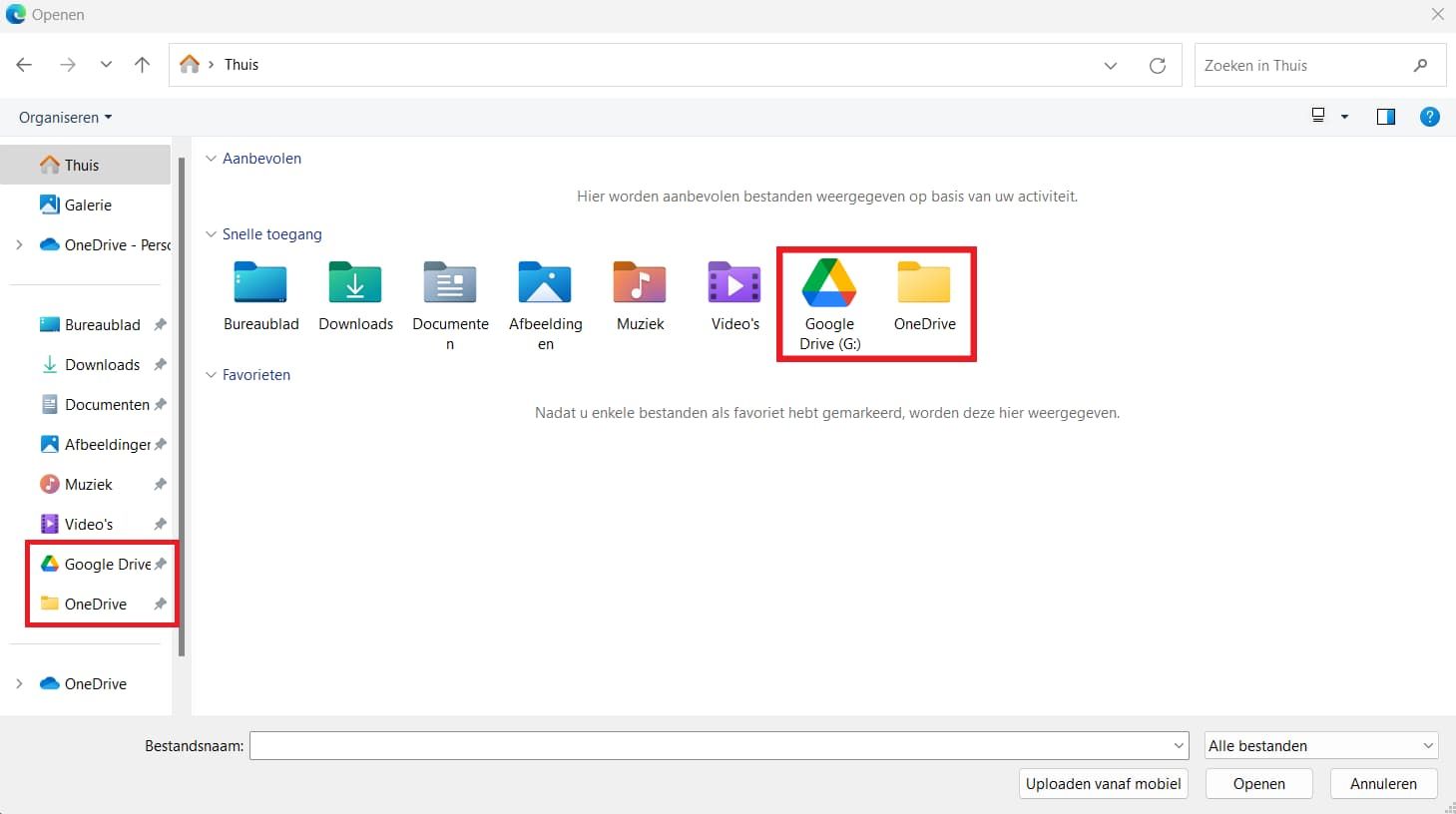
Is the online storage in your taskbar? Then open the desktop app and drag the files to the portal.

Related articles
Was this helpful?
Still need help? Ask the team