Rejected invoices
Written By Tess Hoogeboom
Last updated 4 months ago
If an invoice or entry is rejected in the portal, it is given the status Rejected. The following message is then displayed in the Home for users with Check rights.
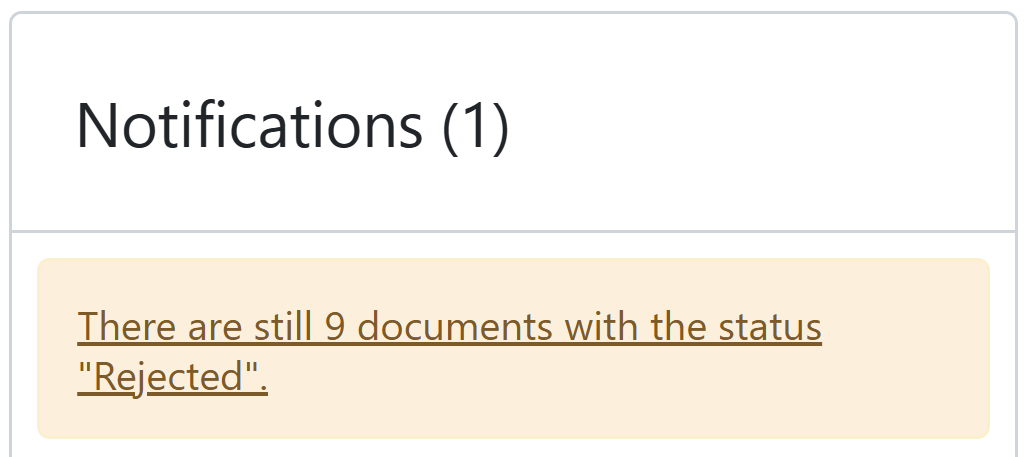
Click on the message. You will now be directed to the Backlog and see the documents with the status Rejected.
Restoring invoices
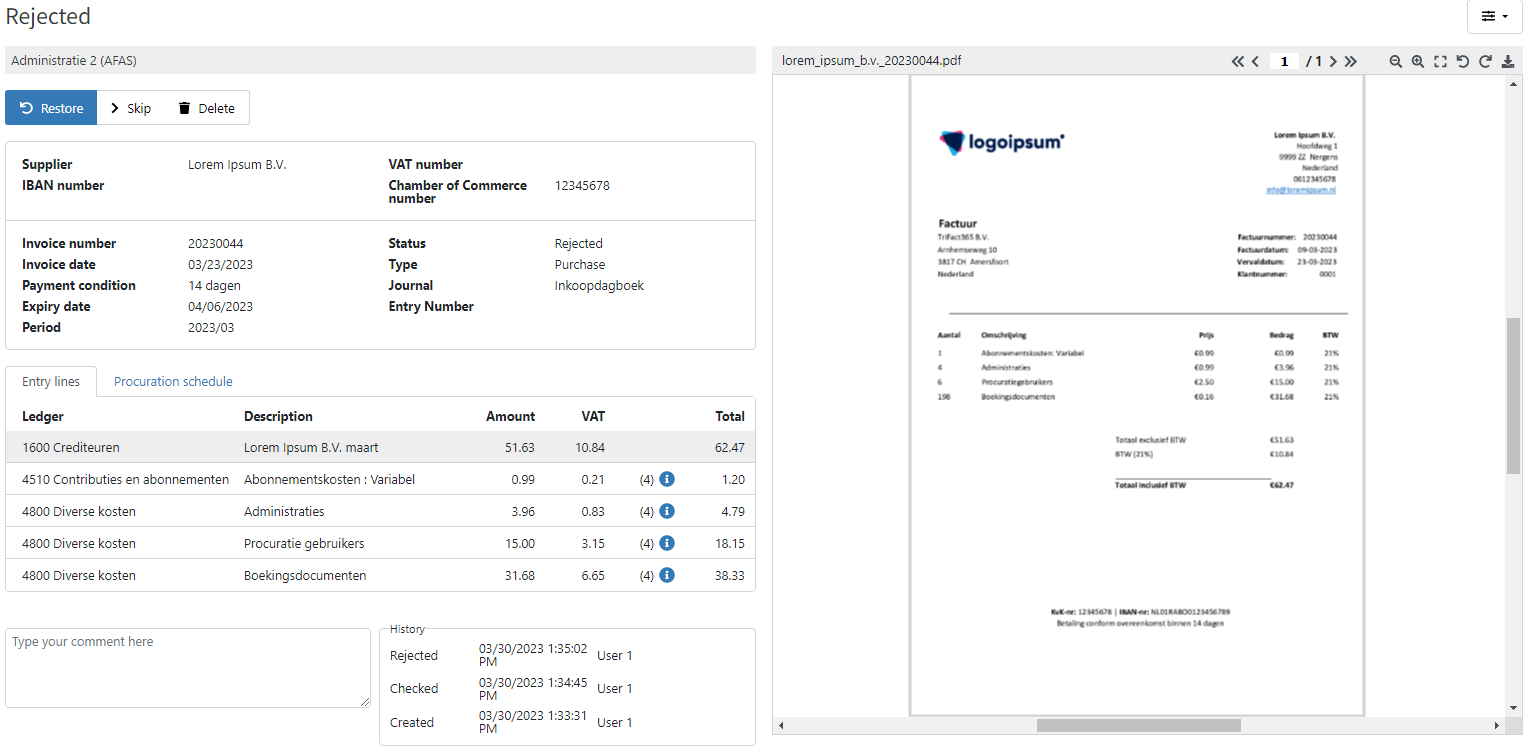
If you click on the status next to the invoice in question, you can perform the following actions:
Restore
Skip
Delete (if you have the correct user rights)
Note
Do you use the Entry before Confirmation function? If so, delete the entry you have already made for the invoice in the accounting software before you restore it and post it again.
Restore documents in bulk
You can also restore invoices by selecting them in the Backlog and select Restore from the top toolbar.
Was this helpful?
Still need help? Ask the team