Delete link
Written By Tess Hoogeboom
Last updated 2 months ago
Note!
To delete a Link, you need to be an Administrator.
Want to delete a Link? Go through the following steps to do so successfully.
Ensure that all administrations associated with the link to be removed have been deleted. If this is not the case, the message below will be displayed.

To resolve this error message, you need to delete all administrations associated with the link. How to do this is explained here: Delete administration
Select the link(s) you want to remove by ticking it and click Delete at the top.
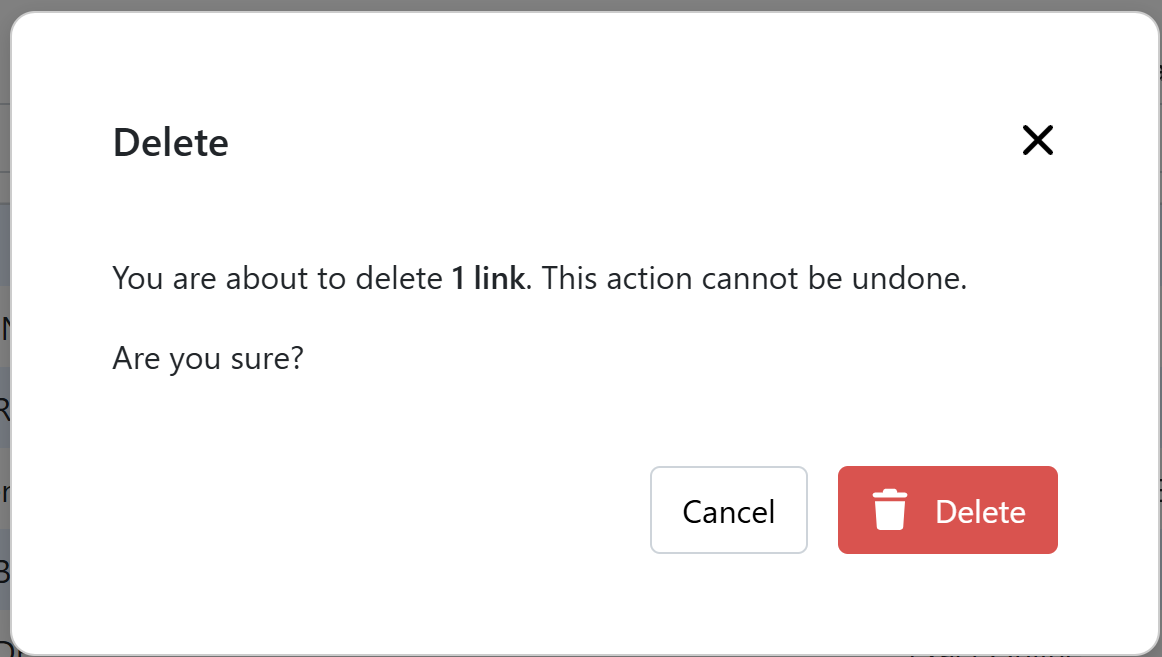
When you are sure you want to delete the link(s) then confirm by clicking Delete in the message shown below.
Was this helpful?
Still need help? Ask the team