Uploading via online (cloud) storage
Through online (cloud) storage locations, files can be uploaded into TriFact365. Below is an explanation of how to set this up.
Written By Tess Hoogeboom
Last updated 5 months ago
Commonly used online storage applications are Microsoft OneDrive, Google Drive, Dropbox and iCloud. A desktop app is available for these applications that ensures access to online stored documents via the explorer or taskbar. To install the desktop app, links are provided below.
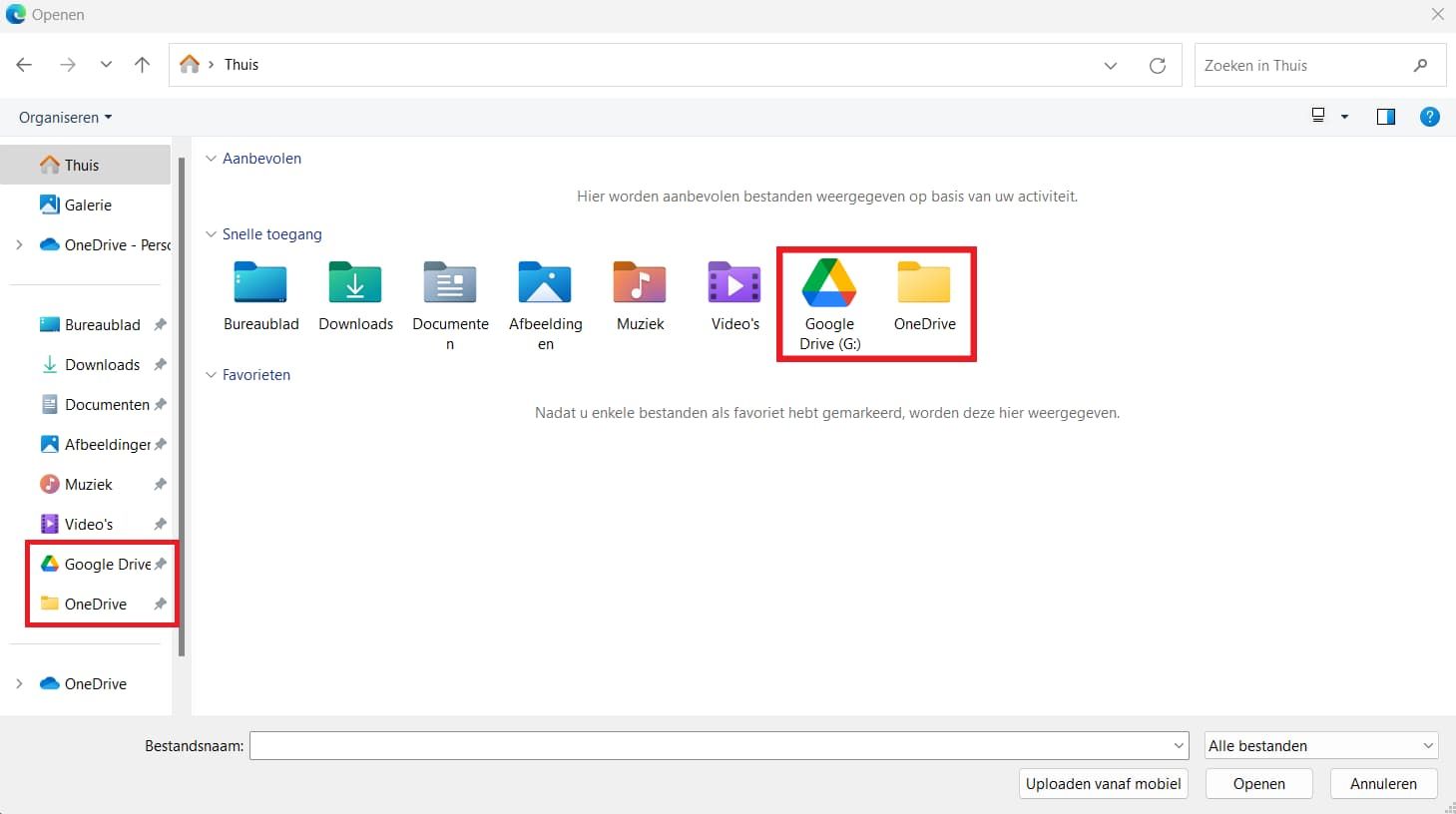
Once the desktop app is installed, a location for that app will appear in File Explorer. When uploading via the portal, you can then select this location, choose files, and upload them. If you have access to a client’s online storage location, you can also add it.
If the location is available via the taskbar (see red mark below) then after opening the desktop app, files can be uploaded via the portal by drag and drop.

Related articles
Was this helpful?
Still need help? Ask the team