Personal settings
Written By Tess Hoogeboom
Last updated 4 months ago
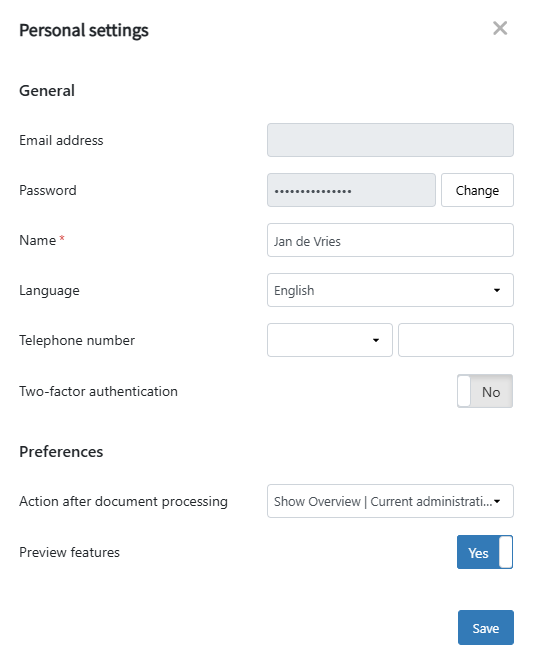
In the top right corner of the blue menu go to User-icon → Personal settings to modify the following user settings:
Frequently Asked Questions
Can I change my email address?
Can I change my email address?
You cannot change a User’s email address. However, you can create a new User with the new email address (and optionally delete the old one).
What does preview features mean?
What does preview features mean?
We first test new functionalities as preview features. Would you like to get access to these functionalities as soon as possible? If so, enable the Preview features. You can find more information here.
Related articles
Was this helpful?
Still need help? Ask the team