Delete administration
Written By Tess Hoogeboom
Last updated 2 months ago
Note!
To delete an Administration, you need to be Administrator.
Want to delete an Administration? Go through the following steps to do so successfully.
Ensure that all documents that should be included as journal entries in the accounting package have been processed and are in TriFact365's online Archive.
Create, optionally, an export of the Archive.
Here you can find more information on the different export options: Data Export
Note
For some accounting packages, it is not possible to link the invoice from TriFact365 directly to the entry. In these cases, the advice is to export the online
Archive. These are the following accounting packages:
If you process sales invoices via TriFact365 with AFAS Profit, check carefully whether the invoices are present in AFAS. Based on the settings in AFAS, they may be missing here.
Go to the dashboard and click Settings (cogwheel) → Administrations. Tick the administration(s) you want to delete and click Delete at the top.
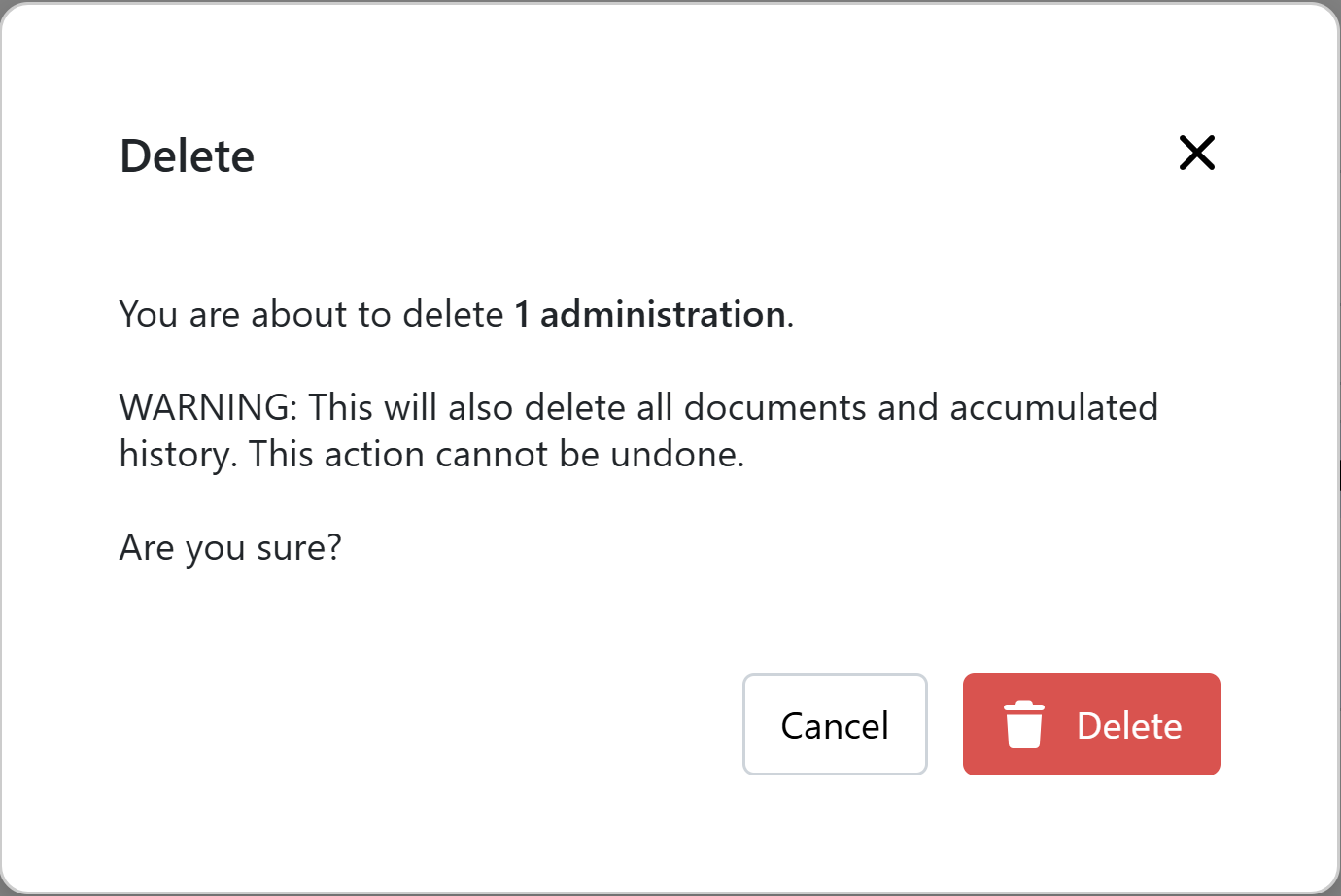
When you are sure you want to delete the administration(s) then confirm this by clicking Delete in the message shown below.
Note!
Keep the following in mind when deleting an administration:
Email address for document delivery no longer works
The online Archive is no longer accessible
Starting from the following month, no charges will be applied for the deleted administration.
Would you also like to delete a Link in addition to an Administration? Read this article for more information: Delete link
Was this helpful?
Still need help? Ask the team