Enable Preview features
Written By Tess Hoogeboom
Last updated 2 months ago
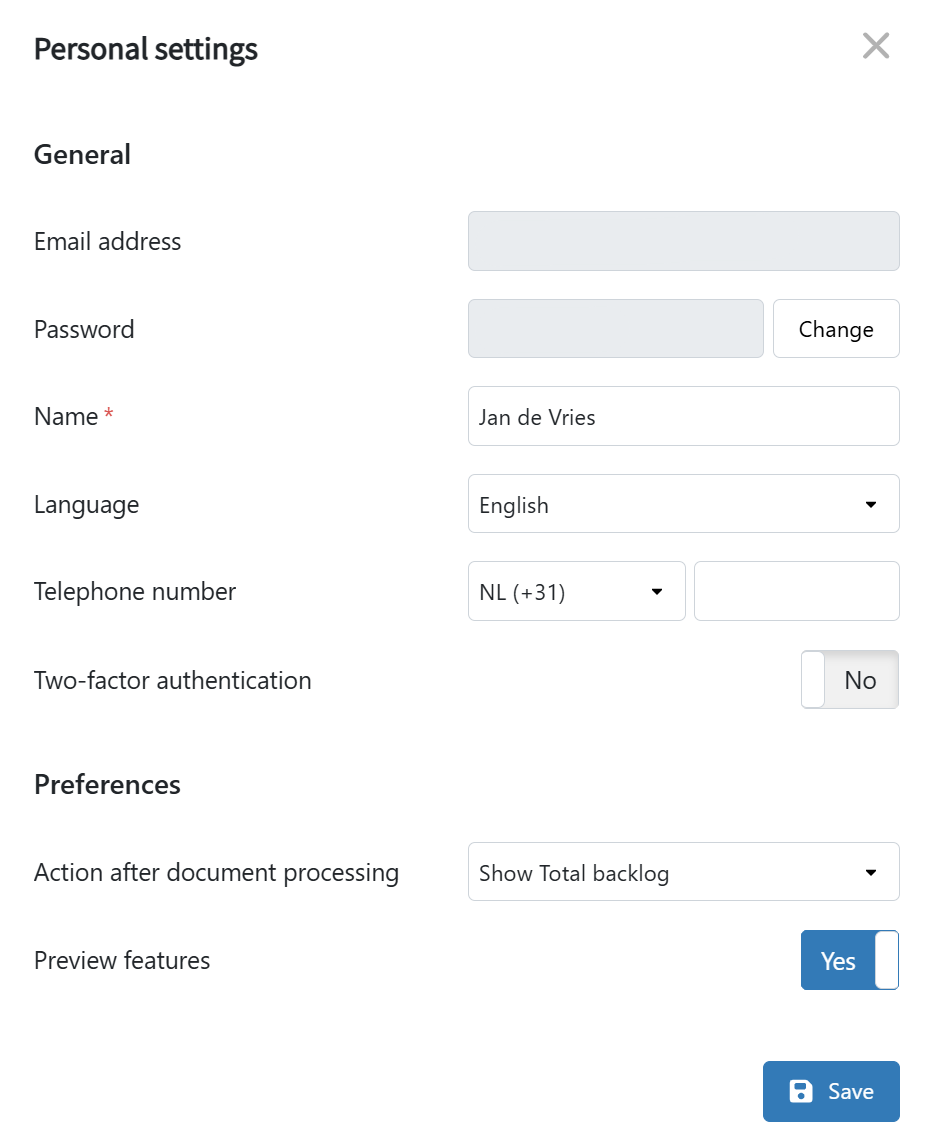
Do you want to get early access to new TriFact365 features? You can do so by turning on the Preview Features. Click the User icon in the top right corner of the blue menu bar, go to Personal Settings, and set Preview Features to Yes.
Frequently Asked Questions
I don't like a Preview Feature. Can I provide feedback?
I don't like a Preview Feature. Can I provide feedback?
Yes, we are happy to receive your feedback. There are two ways to do this.
You can contact our Support team.
You can turn off the Preview Feature by setting the toggle to No. You will then be asked to provide feedback.
Which features are currently in Preview?
Which features are currently in Preview?
At the moment, the ability to upload document types other than purchase and sales invoices is available as a Preview Feature.
More information about this feature can be found here:
Was this helpful?
Still need help? Ask the team