Skip approval
How to post a document directly, without approval.
Written By Tess Hoogeboom
Last updated 37 minutes ago
Do you want to post a document directly, without approval? Then make approval optional for the company.
Click
•••→ Edit next to the company, or double-click the row.Open the Entry settings tab.
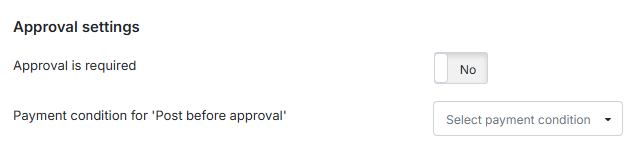
Set Approval is required to No.
Click Save.
Check screen
In the Check screen, you now see the option Post without approval next to Send. Click it to post the document without approval.

Was this helpful?
Still need help? Ask the team