Current administration
Written By Tess Hoogeboom
Last updated 4 months ago
On the Overview | Current Administration screen, you will find a list of documents to be processed for the selected administration.
My Backlog
This section displays the document workflow visually. It contains the personal backlog of the currently logged-in user.

Backlog by Document Type
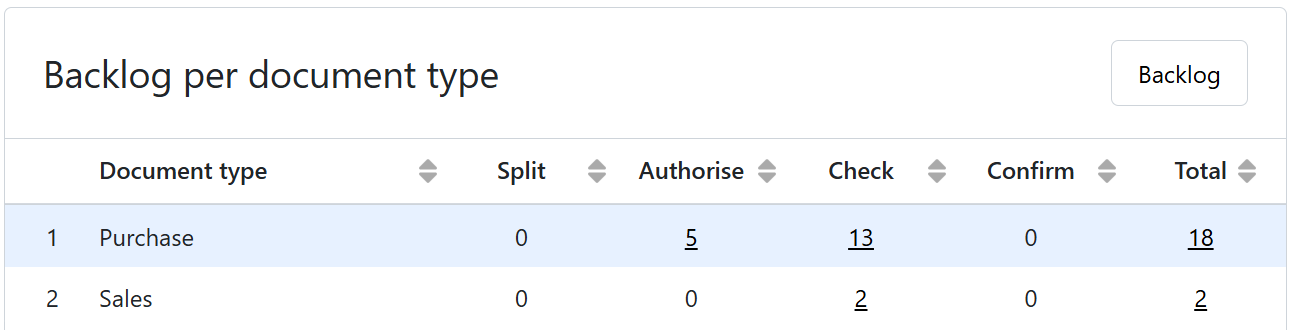
This section contains the administration’s backlog, broken down by document type and categorized by status. Clicking Backlog in the top-right corner takes you to the list of documents to be processed.
Top 5 Authorisation / Top 5 Confirmation
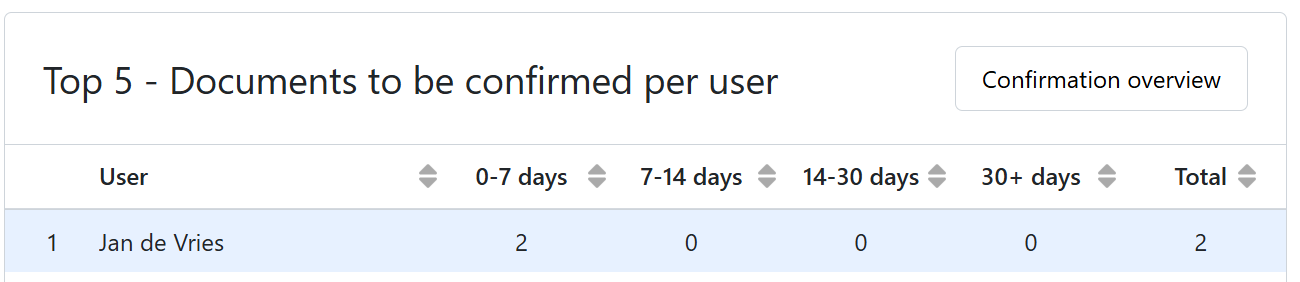
These two tables are only available to Administrators and provide an aging analysis of all documents requiring authorisation and confirmatiom. By clicking on Authorisation Overview or Confirmation Overview, you will go to an overview of all documents requiring authorisation and confirmation within the administration. See the link below for more information about these screens:
Notifications
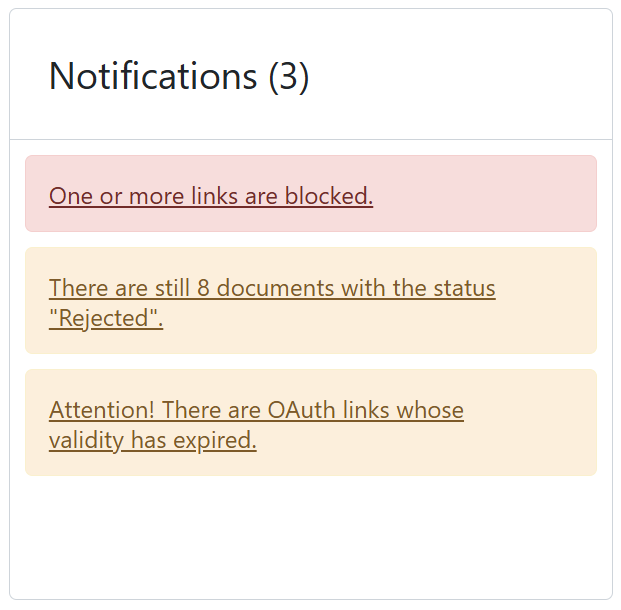
All important notifications are displayed first on the right side of the screen.
These notifications may relate to documents that have been rejected or not processed, as well as issues regarding links and account details.
General Information
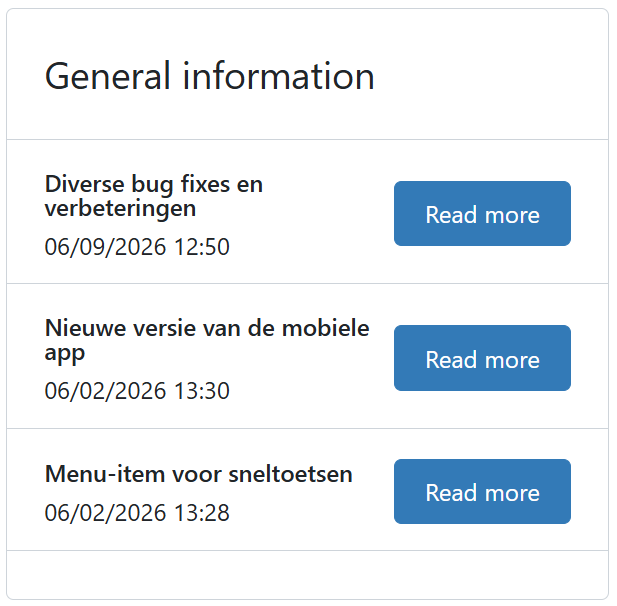
The general information section contains links to news and articles. It lists the important updates that have been done in TriFact365.
Was this helpful?
Still need help? Ask the team