Set up two-factor authentication
How to set up two-factor authentication, log in with it and solve login problems.
Written By Tess Hoogeboom
Last updated 9 days ago
Two-factor authentication adds an extra layer of security to your account. Besides your email address and password, you enter a code from an authenticator app on your phone when you log in.
Set up two-factor authentication
Install an authenticator app on your phone, for example Google Authenticator (Android or iOS). Other authenticator apps also work.
Go to User icon → Personal settings.
Set Two-factor authentication to Yes.
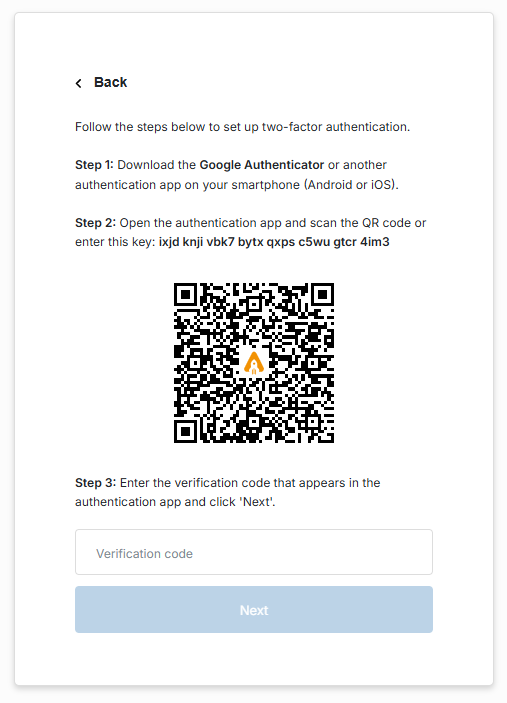
Scan the QR code on your screen with the authenticator app.
Enter the code from the app.
Click Next.
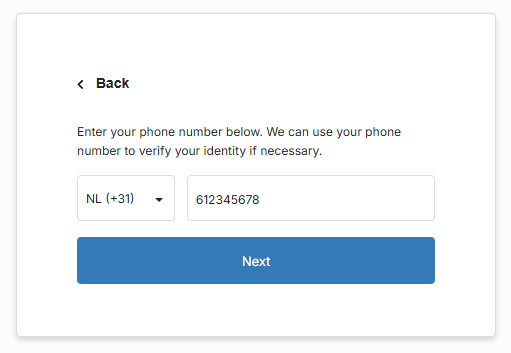
Enter your phone number. If it is already in your personal settings, it is filled in for you. We use this number to send you an SMS code if you can no longer log in.
You see the message Two-factor authentication has been set up successfully!
Log in with two-factor authentication
Log in with your email address and password.
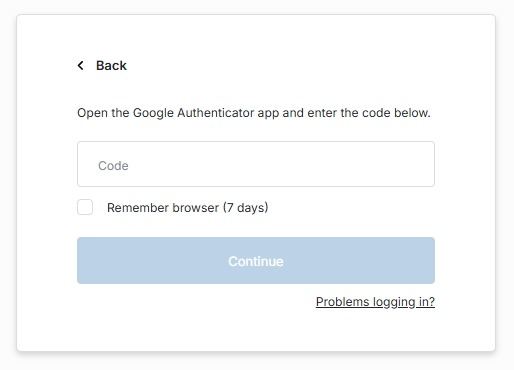
Open the authenticator app and enter the code.
Don’t want to enter a code in this browser for 7 days? Then select Remember browser (7 days).
Finish logging in within five minutes. If it takes longer, you are logged out and log in again with your email address and password.
Problems logging in
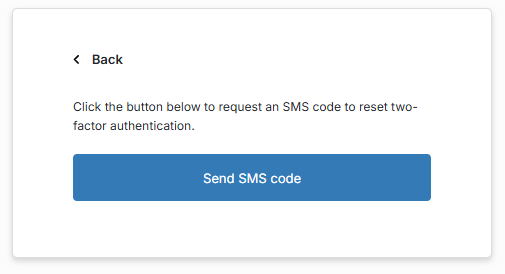
Can’t log in with the code, for example because you have a new phone? Then click Problems logging in? You receive an SMS code on the phone number in your personal settings. You also receive a confirmation by email.
Click Send SMS code.
Enter the SMS code.
Click Continue.
Set up two-factor authentication again, as described above.
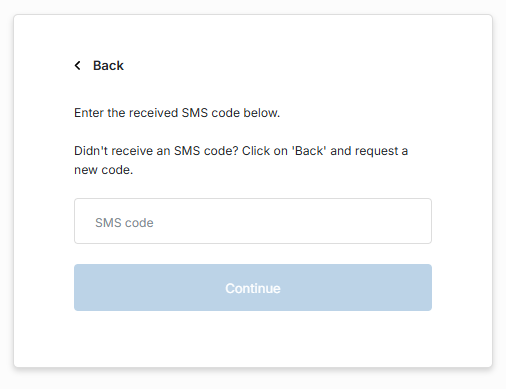
No SMS code received? Click Back and request a new code. Still not working, or no phone number set? Ask an Administrator to reset your two-factor authentication (see below).
Disable two-factor authentication
Go to User icon → Personal settings.
Set Two-factor authentication to No.
Enter your password to confirm.
Reset by an Administrator
An Administrator can reset two-factor authentication for another user:
Go to Settings (cogwheel) → Users.
Click
•••→ Edit next to the user, or double-click the row.Click Reset two-factor authentication.
You see the message Two-factor authentication reset. The user can then set up two-factor authentication again.
Related articles
Was this helpful?
Still need help? Ask the team