Company Details
Written By Tess Hoogeboom
Last updated 2 months ago
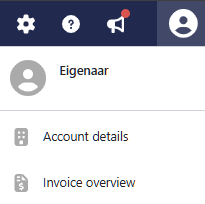
The Owner can access the Account Details via the User icon in the blue menu bar. Here, subscription details can be viewed, company information can be updated, signed agreements can be reviewed, and invoices received for the subscription can be viewed.
Company Details
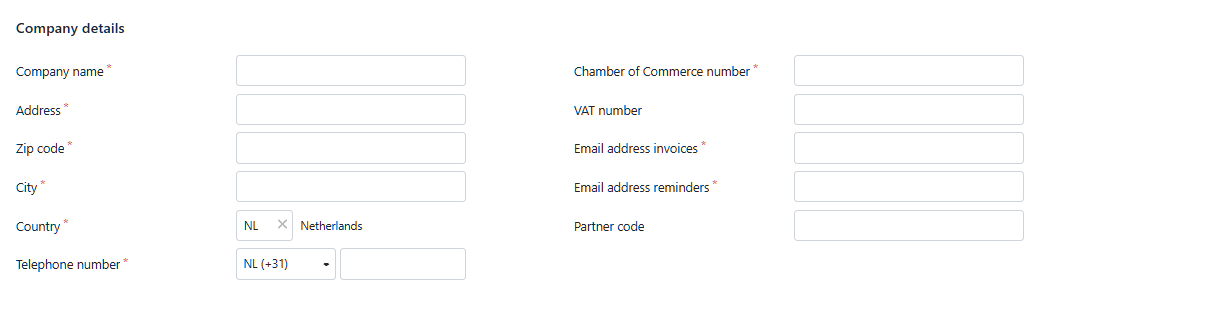
On the Company Details tab, you can update the company information provided and, if applicable, the direct debit authorization. It is also possible to update email addresses.
Invoice email address: An email address can be specified for receiving invoices.
Reminder email address: A separate email address can be specified for receiving payment reminders from TriFact365.
When you make changes to your information, you will need to enter the password of your User account (the Owner) to confirm the changes.
Was this helpful?
Still need help? Ask the team